
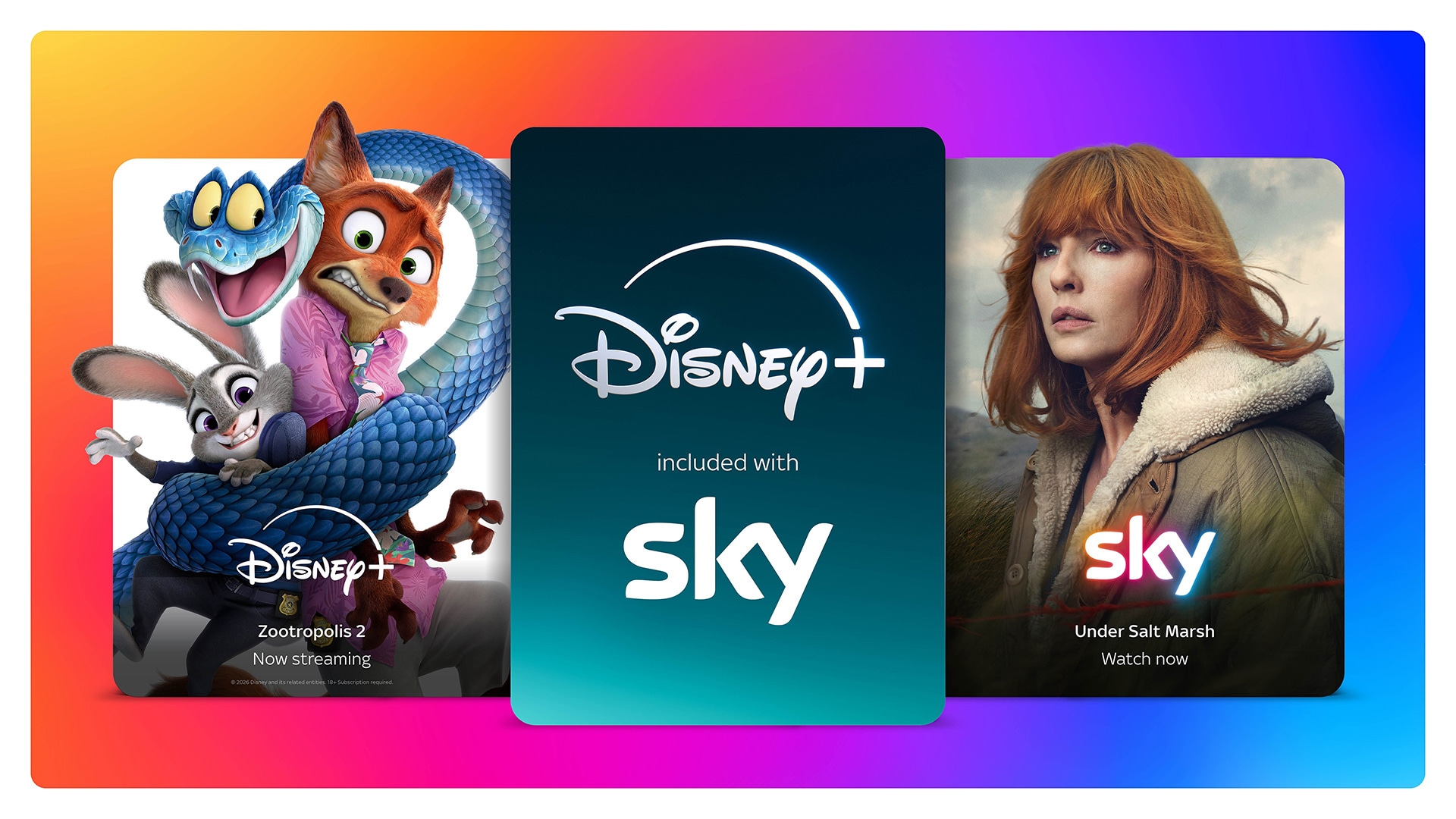
Sky customers can now access Disney’s new linear movie channel, coinciding with the integration of Disney+ into most Sky TV subscriptions.
- Disney+ Cinema now live on Sky channel 305
- Previously postponed reshuffle of Sky’s movie channels took place on Tuesday morning
- Most Sky TV subscribers now have access to ad-supported Disney+
- You’ll need to activate free Disney+ following Sky’s instructions
Sky TV customers now have exclusive access to Disney’s new linear channel dedicated to the best Disney movies.
Disney+ Cinema has joined Sky on channel 305 on both satellite and streaming platforms.
Films coming soon will include Marvel Studios’ Iron Man, Deadpool and Wolverine, 20th Century Studios’ Death on the Nile, Alien: Romulus, Disney and Pixar’s Finding Nemo and Up.
Disney+ Cinema is available to all Sky TV customers with a Sky Cinema subscription. As a result, Sky TV viewers don’t need a Disney+ subscription to watch Disney+ Cinema.
Non-Sky Cinema subscribers can access all Disney+ movies on-demand through Disney+.
Following the launch of Disney+ Cinema, last week’s postponed changes to other movie channels on Sky has now taken place. Sky Cinema Animation has moved from 305 to 312 on satellite and 315 on Glass/Stream.
Disney+ now part of most Sky TV subscriptions
Coinciding with the launch of Disney+ Cinema, most Sky customers can now access the ad-supported version of Disney+ at no extra cost.
Sky first announced this was happening last month. However, at the time it couldn’t confirm the date.
Sky Glass and Sky Stream
Streaming app Disney+ is now part of the Sky Ultimate TV subscription.
Disney+ content is seamlessly integrated into the Sky OS platform on Sky Stream and Sky Glass alongside Sky TV, including Sky Originals and Exclusives, and content from apps like Netflix, Amazon Prime and Apple TV, making it easy to discover new favourites and add shows straight to Playlist to enjoy later.
For the first time, Disney+ content will show up in Continue Watching, so you can quickly jump back into what they were watching.
Whether it’s the next episode of Bluey or picking up a series where you left off the night before, you can find where you’re up to easily from the Sky homepage. Everything integrates with Sky voice control too, so you can search for Disney+ shows across apps and control your receiver with ease.
Sky Q (satellite)
Sky Q customers with Sky Signature, Sky Entertainment and other eligible packages will get Disney+ Standard with Ads.
Disney+ shows and movies are also integrated within the Sky Q homepage, including in the Today’s Top Picks rail and Continue Watching, for a seamless experience.
Disney+ is not included in Sky+ subscription for users of older Sky boxes. You’ll need to upgrade to a newer Sky device to benefit, or pay full price for Disney+. Existing customers can currently still upgrade to Sky Q, but you will need a 10Mbps+ internet connection to use Disney+. Sky is encouraging users with sufficient broadband connectivity to move to Sky Stream.
How to activate free Disney+
The following applies to both Sky TV subscribers who previously did not have Disney+ and Sky TV subscribers who already subscribe.
On Sky.com or MySky, go to TV and click Manage.
- Click App Subscriptions.
- Select Activate Disney+.
- Press Start Subscription (Disney+ will open in a new window)
- Sign-up (New to Disney+) or Sign-In (Existing Disney+ Users)
Sky says that customers who currently subscribe to Disney+ directly, or via a third-party, can save up to £5.99 when they move their subscription to Sky.
It adds: “The level of savings may vary depending on how the customer currently subscribes to Disney+”.
By: Marc Thornham | Image: Sky